AIFix
This feature can be accessed through the custom SecAI web pages. If you are unsure how to reach this part of the interface, refer to the this overview.
More specifically, you can find the AIFix feature by selecting the AIFix tab when viewing an issue in the vulnerabilities list or by clicking an error node in the error tree.
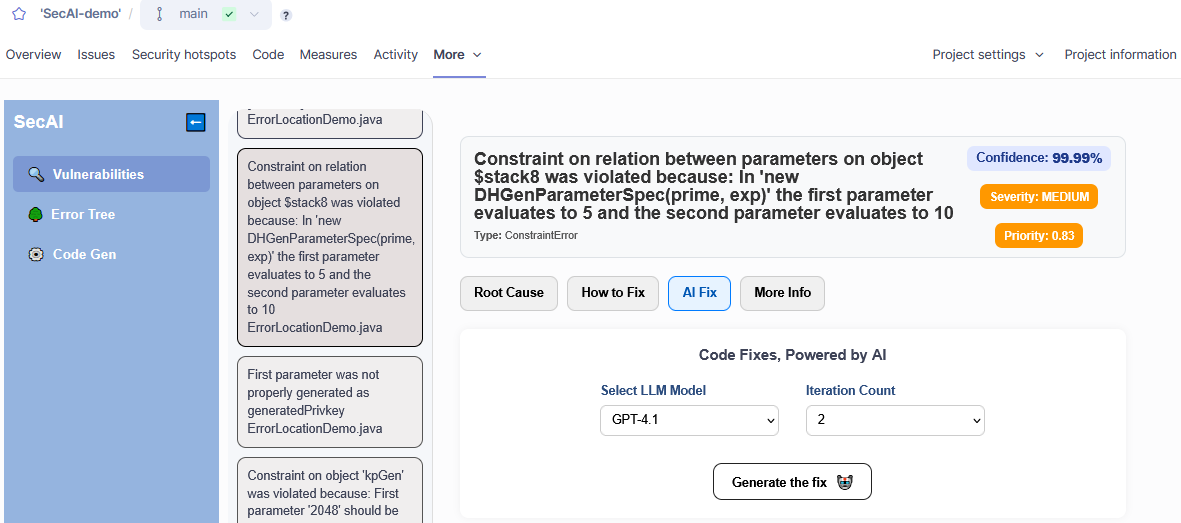
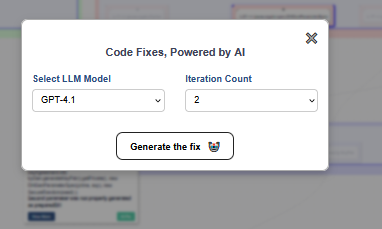
At the top you can select which model to use. Also, similar to Code Generation, a CogniCryptSAST analysis is run on the generated code to check for unresolved issues. If you increase the number of iterations the AI will attempt to fix persisting issues before returning a result.
The result includes an explanation, the code fix and CWE mappings. You will also be able to whether or not the code passed the final CogniCryptSAST analysis.
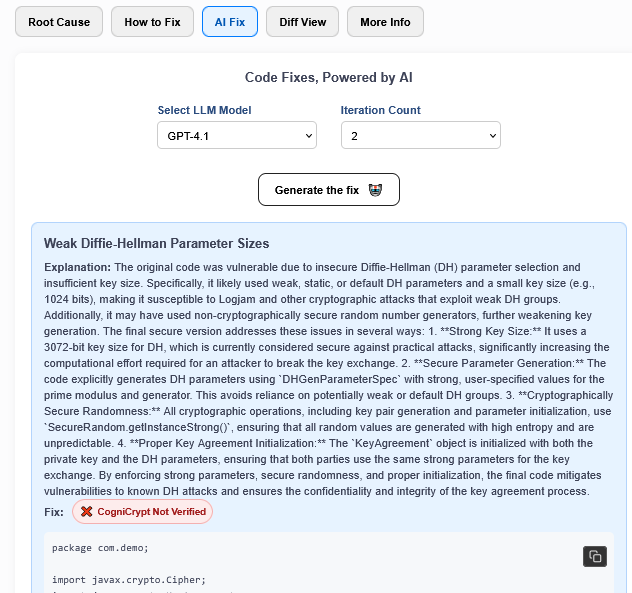
The same is shown when executing the AIFix from the error tree:
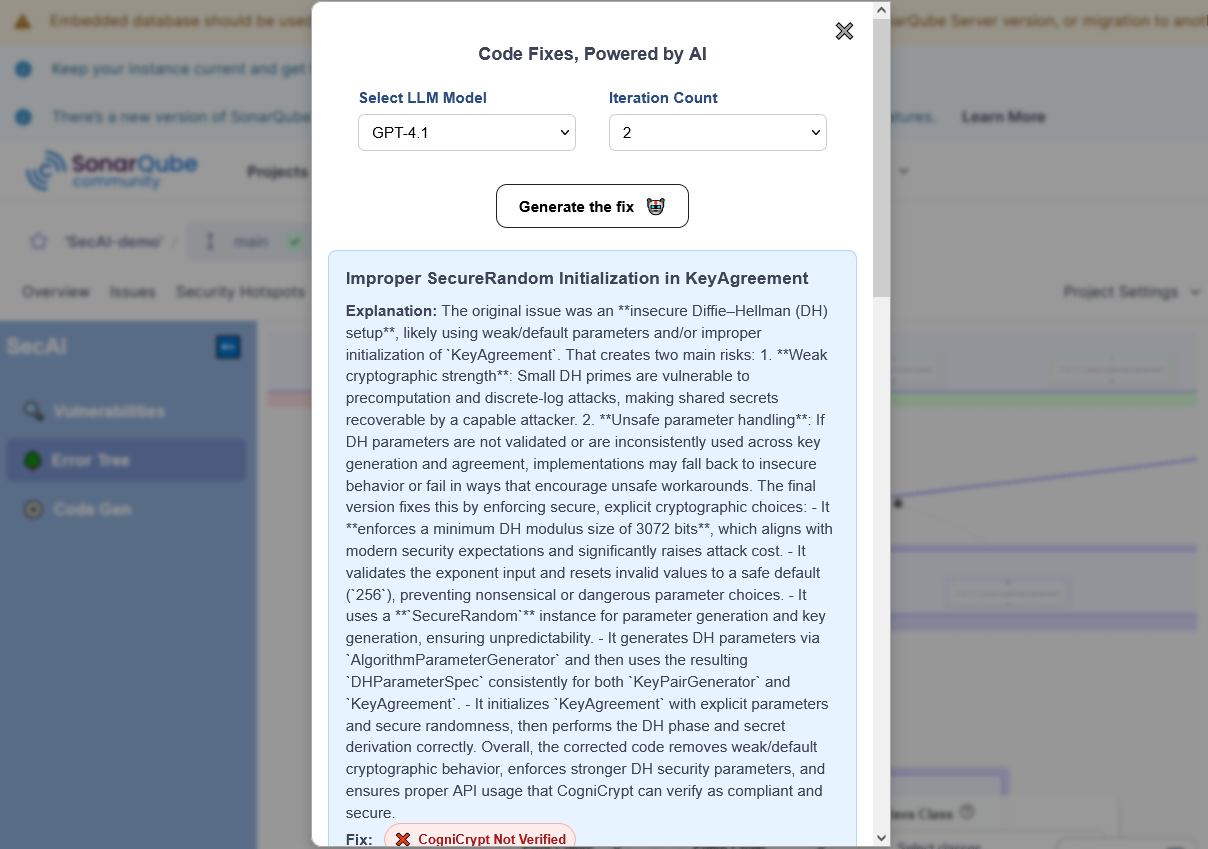
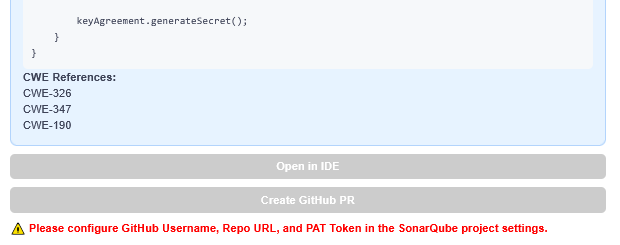
At the bottom, you can also choose to generate a GitHub pull request for this fix. For more details see here
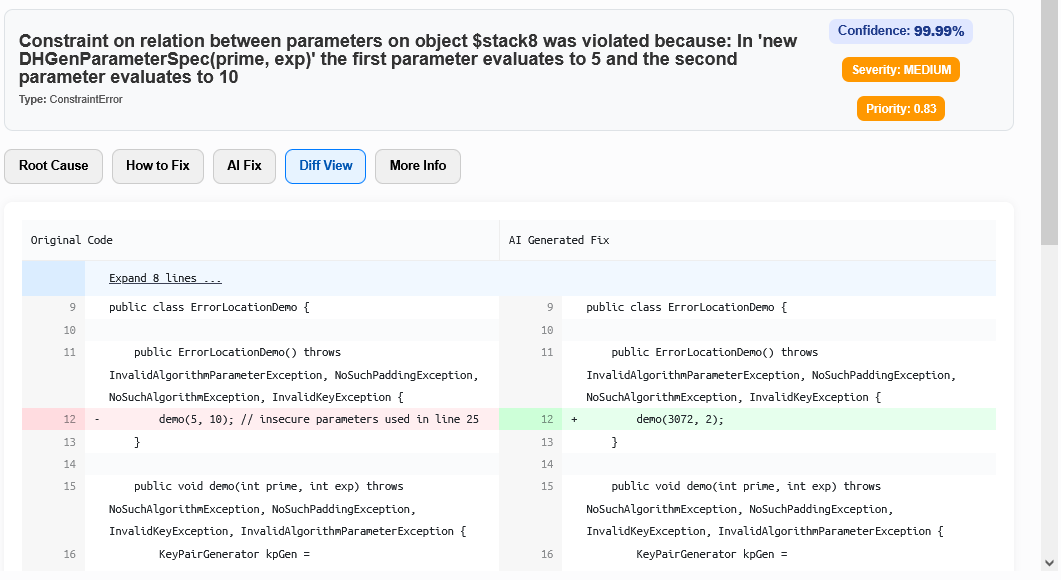
A diff view comparing the proposed changes to the original code can viewed in the newly created Diff View tab in the detailed error view. If you used the shortcut from the error tree a diff view is not available.
Common Issues
AIFix returns Unexpected Error
In the Flaskapp folder of your backend there is a log file called aifix.log. This may provide additional insight into the problem. Furthermore, the file app.log logs all http requests received and sent by the flask server.